
It might come up during a redesign. In a client meeting. Or just before the launch of a new website. Maybe your client has heard about new accessibility requirements, maybe one of their own customers has raised an issue, or maybe they simply want to make their digital services easier to use for everyone.
“Is our website actually accessible?”
Whatever brings the question up, accessibility is increasingly becoming part of the conversation between agencies and their clients.
To look at what this means in practice, we spoke to Kirsty Sharp, Partnership Manager UK & Ireland at Eye-Able, and Ewa Gräuler, VP Product at Eye-Able. Together, they work with businesses and agencies at very different stages of their accessibility journey – from those just starting to ask questions to teams that have already made accessibility part of their everyday processes.
“We increasingly see accessibility becoming part of everyday conversations between agencies and their clients. Clients now expect their agency to know how to build it into their processes. The next question is often who manages it.”
Kirsty Sharp, Partnership Manager UK & Ireland at Eye-Able
Part of that growing attention comes from the European Accessibility Act (EAA), which has applied since 28 June 2025. But legislation is only one part of the picture. Businesses are also thinking about who can use their digital services, how accessible experiences affect their customers and what accessibility means for the way websites are designed, built and maintained.
And that can leave agencies facing quite a few questions.
Web Accessibility for Digital Agencies: Most Common Questions
So, what should you know when your clients start asking? We’ve put together some of the most common questions – and the practical answers that can help you guide the conversation.
“Does the EAA apply to our clients’ businesses?”
This is often the first question you might be asked by clients. Unfortunately, there isn’t a simple yes-or-no answer.
As a general rule, the EAA covers certain products and services offered to consumers, including areas such as e-commerce, banking, transport, and electronic communications. So, if your client provides a consumer-facing digital service, it is worth taking a closer look at whether the requirements apply to them.
There are some exceptions. For example, micro-enterprises providing services are generally exempt from the EAA requirements. This applies to businesses with fewer than 10 employees or an annual turnover or balance sheet total of no more than €2 million.
Purely B2B services will often sit outside the scope, but whether a business is B2B or B2C isn’t the only thing that matters.
Not sure? Check the rules that apply in your country or speak to an accessibility specialist. As an agency, you do not necessarily need to give clients a legal assessment. But you should be able to recognise when accessibility requirements might be relevant and point them in the right direction.
“If the EAA doesn’t apply to a client, is accessibility still worth it?”
Absolutely. Accessibility is worth thinking about even when it isn’t a legal requirement. At its core, it is about making sure more people can actually use your digital products and services.
In 2024, almost one in four people aged 16 and over in the EU, 23.9%, reported a disability or activity limitation.
But permanent disabilities are only part of the picture. People can also face temporary or situational barriers, which means accessible design often benefits far more people than those it was originally intended for.
“What many businesses underestimate is just how many people benefit from accessibility, and it goes far beyond people with permanent disabilities. The curb-cut effect is a great way to think about it: when we remove barriers for one group, we often create a better experience for everyone. Think about the community of people who are newly impacted by a disability and may not yet have the right support, equipment, or setup in place.”
— Kirsty Sharp
“Accessibility isn’t a niche consideration. At different points in our lives, many of us will benefit from more accessible products, services, spaces, and experiences. Designing with accessibility in mind means removing friction, expanding your reach and creating better experiences for more people.”
You can see this in everyday digital experiences:
- Captions support deaf and hard-of-hearing people, but they are just as useful when someone is watching a video on a noisy train.
- Good colour contrast supports people with low vision, but it also makes a screen easier to read in bright sunlight.
- Clear, simple forms can make websites easier to use for people with cognitive disabilities, while also creating a smoother experience for anyone trying to complete a checkout or registration.
“What does accessibility do for a client’s business beyond compliance?”
More than most clients expect. Accessibility helps businesses reach more people, removes unnecessary usability barriers, and creates a better customer experience. It also strengthens trust in the brand — and pushes teams to build better, more consistent digital products along the way.
The benefits reach beyond usability, too. Clear page structures, descriptive links and meaningful alt text make content easier to understand for both users and search engines, which is why accessible websites often perform better in SEO.
“There’s a lot of overlap between accessibility and good SEO practice, because both benefit from content that is structured, understandable and easy to navigate. But accessibility shouldn’t be reduced to a ranking tactic. The primary goal is still to create a better experience for people.”
— Ewa Gräuler, VP Product at Eye-Able
“What actually needs to be accessible across a client’s website?”
A common misconception is that accessibility is mainly about the homepage of your website. In reality, you need to look at the entire digital customer journey.
Imagine your client runs a travel website. A customer might search for a destination, compare hotels, choose dates, create an account, fill in a booking form, make a payment and finally receive their confirmation and travel documents. Every step needs to be usable.
That could mean making sure the search and date picker can be operated with a keyboard, forms have clear labels and error messages, images have meaningful alt text and the checkout works with assistive technologies such as screen readers.
And it does not stop with the website itself. Depending on the service, accessibility can also include apps, PDFs, videos and other digital content that customers need to complete their journey.
For agencies, it helps to think in user journeys rather than individual pages. Ask yourself: can someone actually get from the beginning of this process to the end without encountering a barrier?
Do not treat accessibility as a one-off check. Websites change constantly, and new content, components or updates can introduce new barriers.
“Where do we start with a complex client project?”
You do not need to tackle everything at once. Start with the pages and user journeys that matter most, particularly the key steps in your client’s customer or buyer journey. For an e-commerce website, for example, this might include landing and product pages, search and navigation, account creation, forms, the shopping basket and checkout, as well as important downloads.
A combination of automated and manual testing can help you understand where the main barriers are. From there, prioritise the issues that have the biggest impact on users and work through them step by step.
Most importantly, do not treat accessibility as a one-off check. Websites change constantly, and new content, components or updates can introduce new barriers. Regular testing and monitoring should therefore become part of your normal website workflow.
“Can we rely on automated scans for client websites?”
Not on its own, but it is a very useful part of the process.
Automated scans can check large numbers of pages quickly, identify recurring technical issues and help teams spot new problems when a website changes. But some accessibility barriers require context and can only be properly assessed through manual testing.
“Automated monitoring is the baseline: it catches technical issues reliably, across every page. What it can’t judge is whether a journey actually works. Take a travel booking form. The date picker is technically clean: every cell is a proper button with a proper label. But once you’ve picked your outbound date, the ‘now choose your return’ state is communicated by colour alone, and the selected range is never announced. A screen reader user hears ‘1 September, button’ thirty times and has no idea what they’ve already selected. No scanner can flag this, because no rule is broken. It only surfaces when someone actually tries to book the trip.”
— Ewa Gräuler
“Who is responsible for accessibility: the client or the agency?”
In practice, it is a shared responsibility.
Agencies can make sure accessibility is considered in design, development, testing and new components. Clients, on the other hand, usually control the content, internal processes and the decisions that shape the website over time.
That is why accessibility cannot be something an agency fixes once before launch. Every new plugin, redesign, content update or feature can introduce new barriers. The best results come when both sides treat accessibility as part of the normal website workflow and keep talking about it as the site evolves.
“How much time and budget should we scope for accessibility?”
There is no fixed answer. It depends on the size and complexity of the website, how accessible it already is and how much needs to be changed.
What makes a big difference is thinking about accessibility early. Fixing a component while it is being designed or developed is usually much easier than going back and rebuilding it later.
The same applies to your team. The more accessibility knowledge you build internally, the more you can handle as part of your normal workflow. Tools can support teams with testing and monitoring, while training helps designers, developers and content teams avoid introducing the same barriers again.
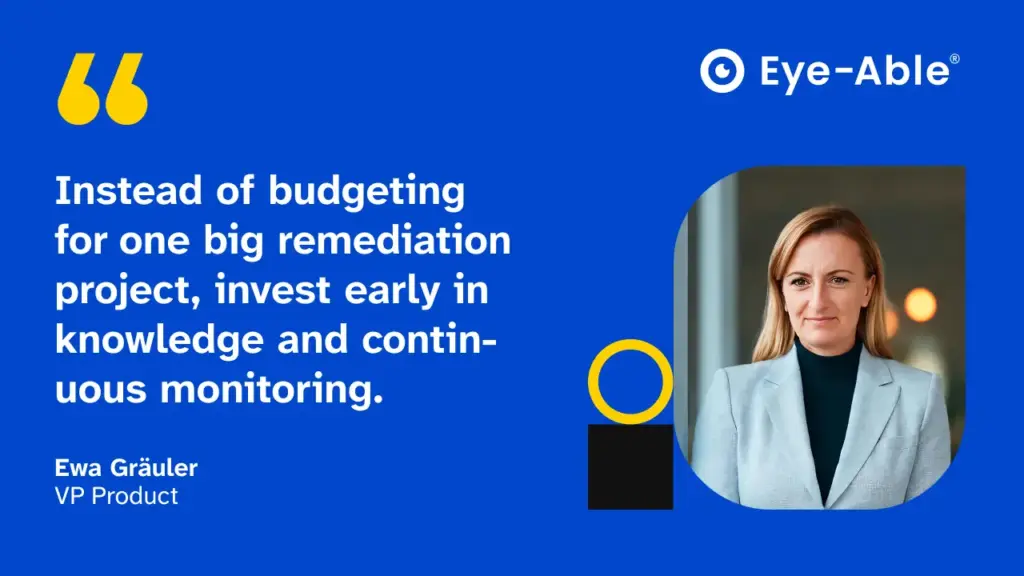
“The biggest cost driver is retrofitting: fixing a component during design costs a fraction of rebuilding it after launch. So instead of budgeting for one big remediation project, invest early in knowledge and continuous monitoring. That’s also how we’ve built Eye-Able — businesses pick the tools and support that fit their needs and grow their accessibility approach step by step.”
— Ewa Gräuler
Accessibility Starts with the Conversation
Accessibility can feel like a big topic, especially when a client is only just starting out. But agencies do not need to have every answer from day one. What matters is being able to start the conversation, ask the right questions and help clients take the next step.
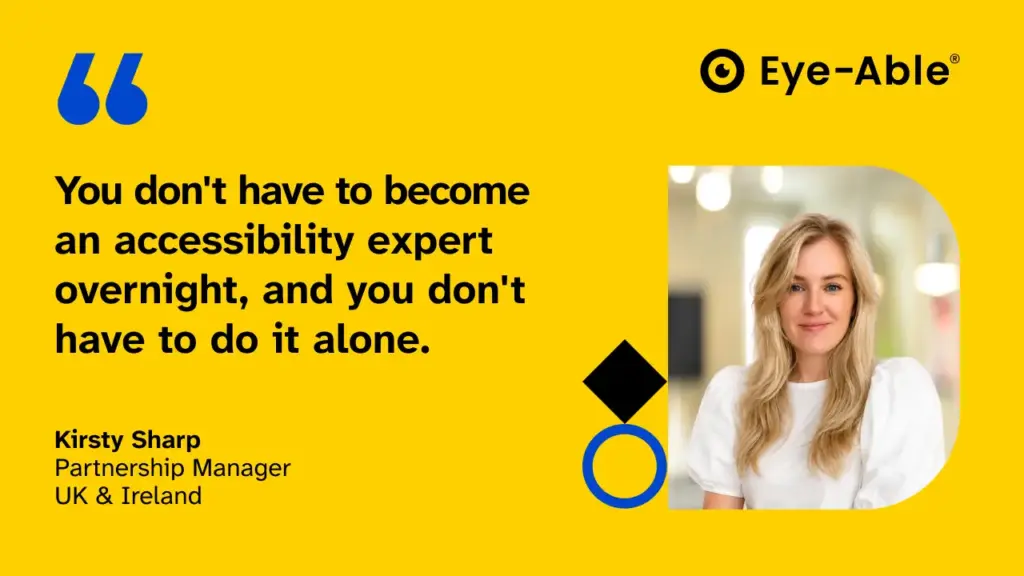
“You don’t have to become an accessibility expert overnight, and you don’t have to do it alone. For agencies, the priority is making accessibility part of the workflow from the start. Bring it into everyday conversations with clients, help them understand best practices and make sure accessibility is considered throughout the work rather than treated as an afterthought. It’s about supporting and educating clients at every stage, while knowing when to bring in specialist expertise to make sure the right solutions are in place.”
— Kirsty Sharp
Because in the end, accessibility works best when it becomes part of the way digital experiences are designed, built and maintained, rather than something that is added at the very end.
And the next time a client asks, “Is our website actually accessible?”, you’ll know where to start.

How Accessible Is Your Website?
Scan your site in 2 minutes, spot existing barriers, and make your online presence inclusive for everyone.